Before you upload a single file, it helps to know exactly what an instant-quote tool needs to price your part correctly the first time. Here is what to prepare, what happens after you hit submit, and how to read the quote you get back.
Prepare Your CAD File and Machining Specs
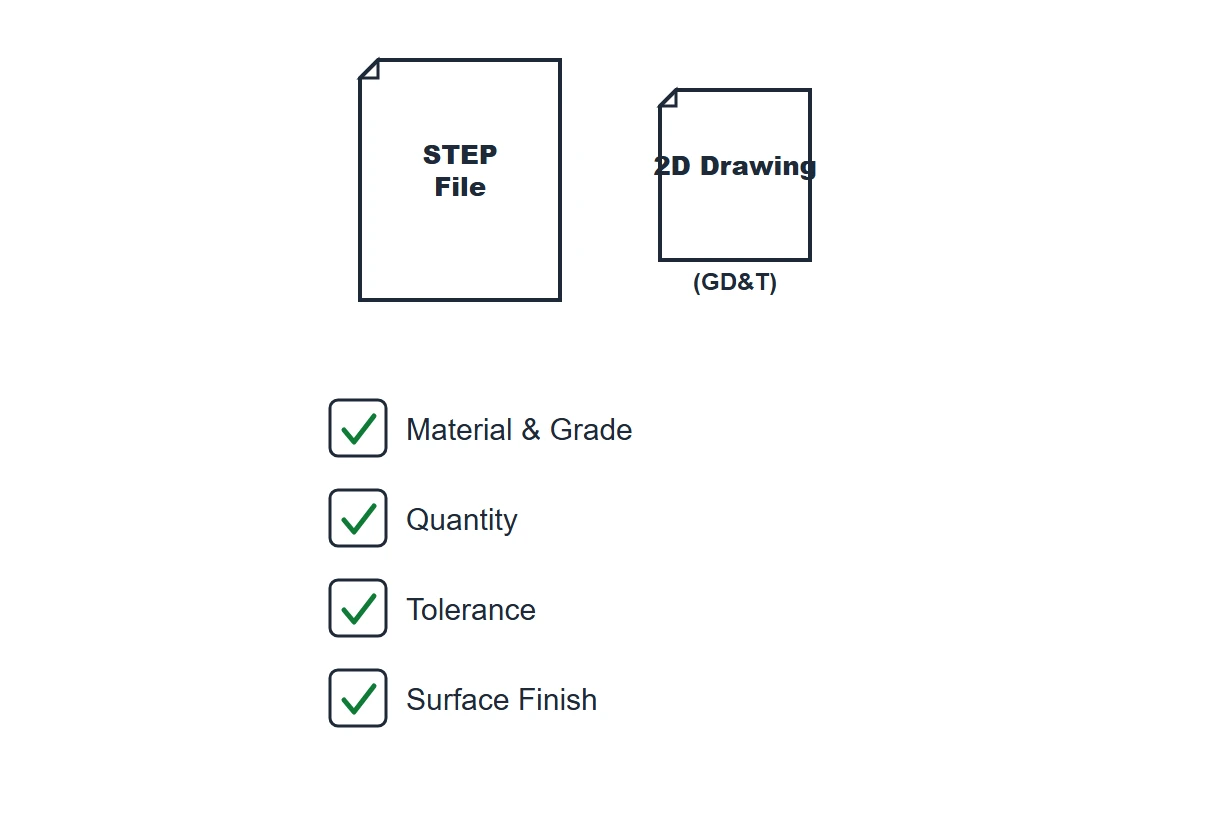
Instant quoting tools read solid geometry, not sketches, so file format matters more than most buyers expect. Export your model as STEP (.stp/.step) rather than IGES or a native CAD format (SolidWorks, Fusion 360, etc.) — STEP preserves exact solid geometry through translation, while IGES and native files are more prone to surface gaps and rounding errors that throw off an automated quote. If your part has any tolerance tighter than a standard machine shop default, or GD&T callouts that control fit and function, attach a 2D drawing (PDF) alongside the STEP file so those requirements travel with the model instead of getting missed.
Beyond the file itself, have your specs ready before you upload: material and grade (e.g., 6061-T6 aluminum, 304 stainless), quantity (prototype run vs. production volume), tolerance class, surface finish (as-machined, bead blasted, anodized, etc.), and your target deadline. If you are not sure what is achievable, our CNC machining services page walks through the materials, tolerances, and finishes we run in-house, which is a useful reference before you commit to a spec on the quote form.
What Happens After You Submit
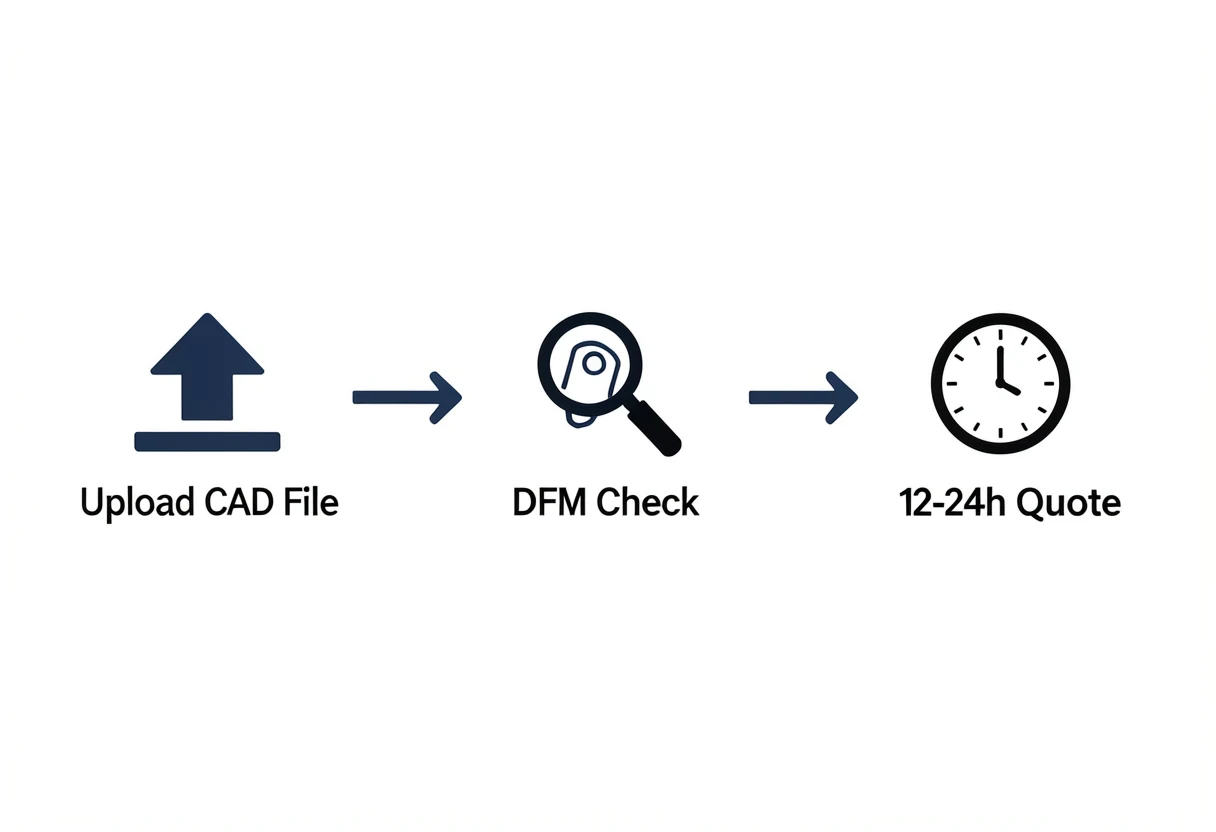
Once your file and specs are in, you can upload your CAD files through our instant quote tool and expect pricing and lead time back within 12–24 hours. That window includes a first-pass design-for-manufacturability (DFM) check — our system and a machinist flag anything that could affect cost or feasibility, such as thin walls, deep narrow pockets, sharp internal corners, or tolerances that push past what standard tooling can hold economically.
If the DFM check surfaces an issue, we do not just quote around it silently — we flag it back to you with a suggested change (a slightly larger internal radius, a relaxed tolerance on a non-critical feature) so you can decide whether to adjust the design or keep it as-is and accept the added cost. Straightforward parts with clean geometry and standard tolerances skip most of this back-and-forth and move straight to a priced quote.
Reading Your Quote and Moving to Production
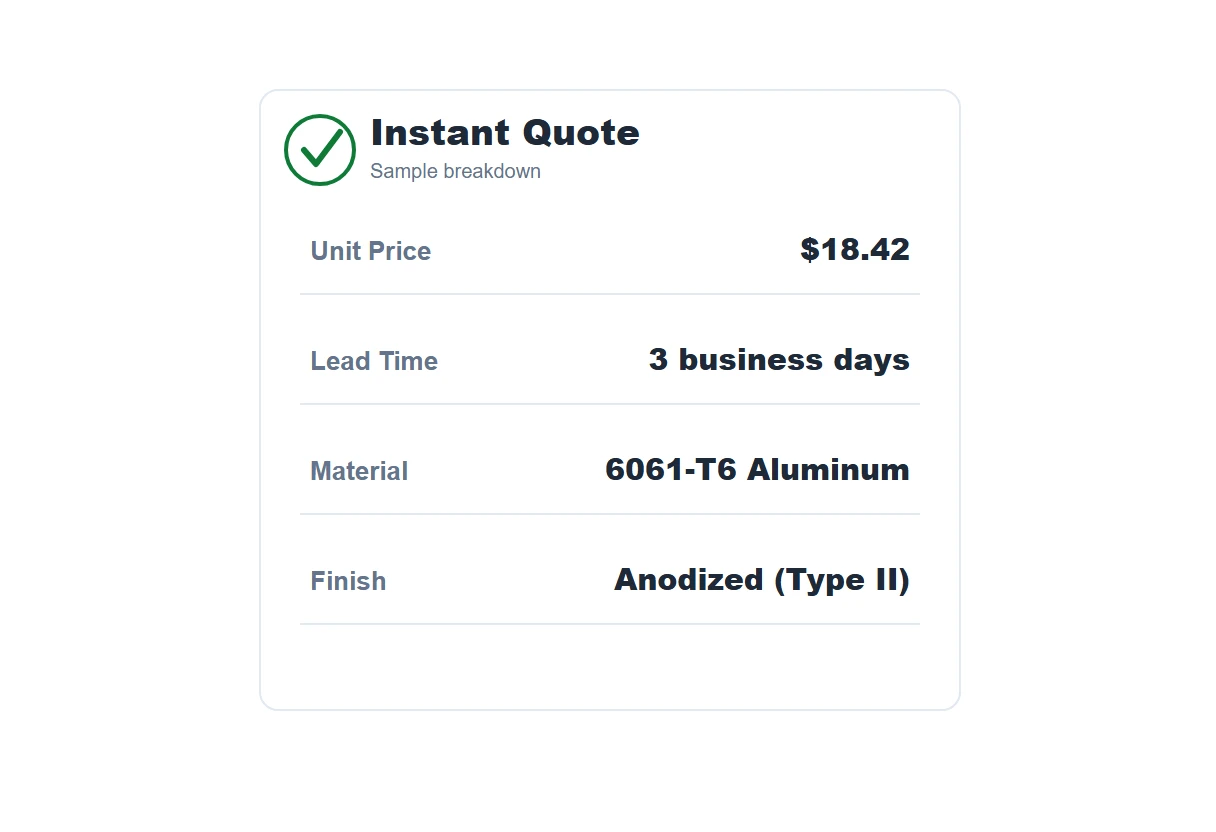
A complete instant quote should show unit price at your requested quantity, total lead time, and the material/finish you specified — not just a single number with no breakdown. Treat it as a strong estimate rather than the final word: it is built automatically from your STEP file and stated specs, so it is accurate for clean geometry and standard requirements, but it has not yet been checked against a 2D drawing if you did not include one.
Before committing production quantities, sanity-check the instant number against a fully reviewed quote if your part carries tight GD&T, a multi-material assembly, or a finish with cosmetic requirements — a machinist reviewing the drawing directly may adjust pricing once those details are confirmed. Once you approve the quote, your files stay under NDA-ready handling, and there is no fixed minimum order quantity, so the same process covers a single prototype or a full production run without renegotiating terms.
Why Quote Your Part With Us
- 12–24h quote turnaround — upload your files and get pricing, lead time, and DFM feedback back fast.
- ISO 9001:2015 certified — every quote is backed by a documented quality process, with inspection built into each stage of production.
- NDA-ready & confidential — your CAD files and part details stay protected from the moment you upload them for a quote.
- No fixed MOQ — quote a single prototype or a full production run through the same process.
Frequently Asked Questions
How do I get an instant quote for CNC machining?
Upload your 3D CAD file (STEP/STP preferred) through our online quote tool, then add your specs — material, quantity, tolerance, and surface finish. Our system returns pricing and lead time, typically within 12–24 hours, after a quick DFM check. If any features need tighter tolerances than standard, attach a 2D drawing with GD&T so nothing is missed.
What file format do I need for a CNC machining quote?
STEP (.stp/.step) files quote fastest and most accurately because they preserve exact solid geometry without the translation errors that native CAD formats or IGES can introduce. If any dimension needs a tolerance tighter than ±0.127 mm (±0.005 in) or carries GD&T callouts, attach a 2D PDF drawing alongside the STEP file so those requirements are captured.
How fast can I get a CNC machining quote from a China-based shop?
From our team, instant quotes for straightforward parts come back within 12–24 hours of upload, including a first-pass DFM review. More complex geometries, multi-material assemblies, or parts needing engineering clarification take a little longer, since a machinist reviews them manually before final pricing is issued.
Is an instant CNC quote accurate or just a rough estimate?
An instant quote built from a clean STEP file and complete specs (material, quantity, tolerance, finish) is generally accurate to within a few percent of the final price, since the underlying material and machining-time calculations follow the same logic our estimators use. It can still shift if the 2D drawing reveals tolerance or finish requirements not visible in the 3D model alone — that is why we always confirm against the drawing before production starts.